Private, local-first upload
Drop a DICOM ZIP or a NIfTI file. Series are inspected and optionally anonymized in your browser before anything is sent.
TotalSegmentator Studio runs TotalSegmentator on your CT series and opens the results in a web viewer with synchronized MPR, 3D surfaces and mask editing — no installation needed.
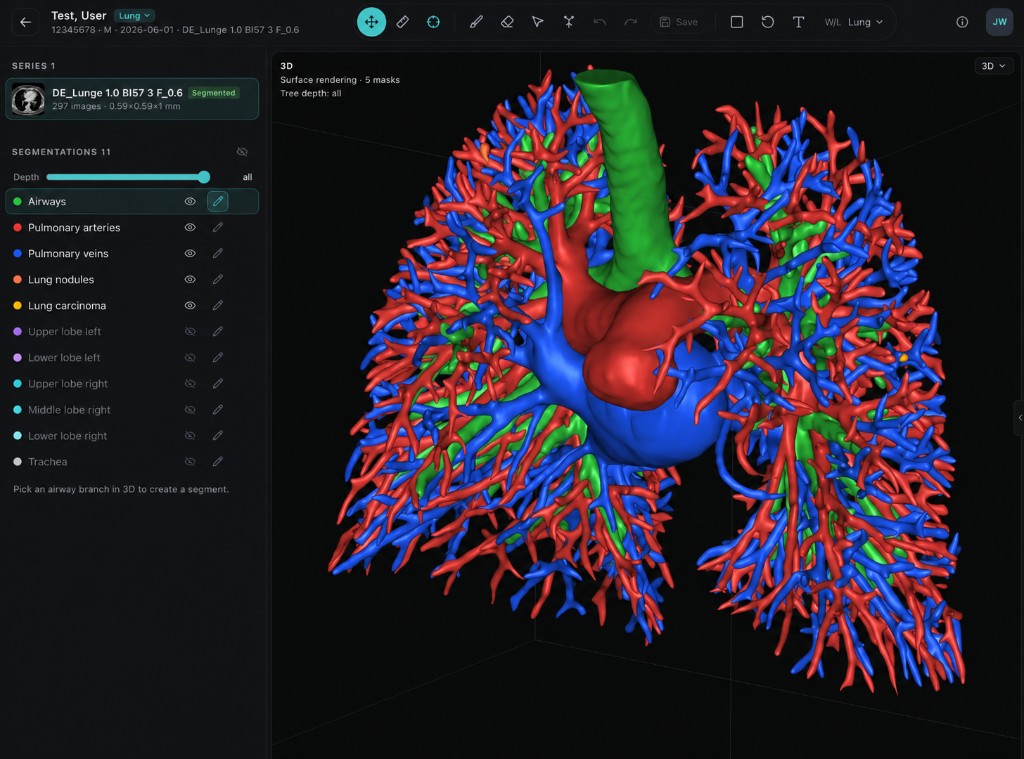
Drop a DICOM ZIP or a NIfTI file. Series are inspected and optionally anonymized in your browser before anything is sent.
Run the Default module (117 structures) or the Lung module (airways, vessels, lobes, nodules) on the series you choose.
Axial, sagittal and coronal views with linked crosshairs next to an interactive 3D rendering of all masks.
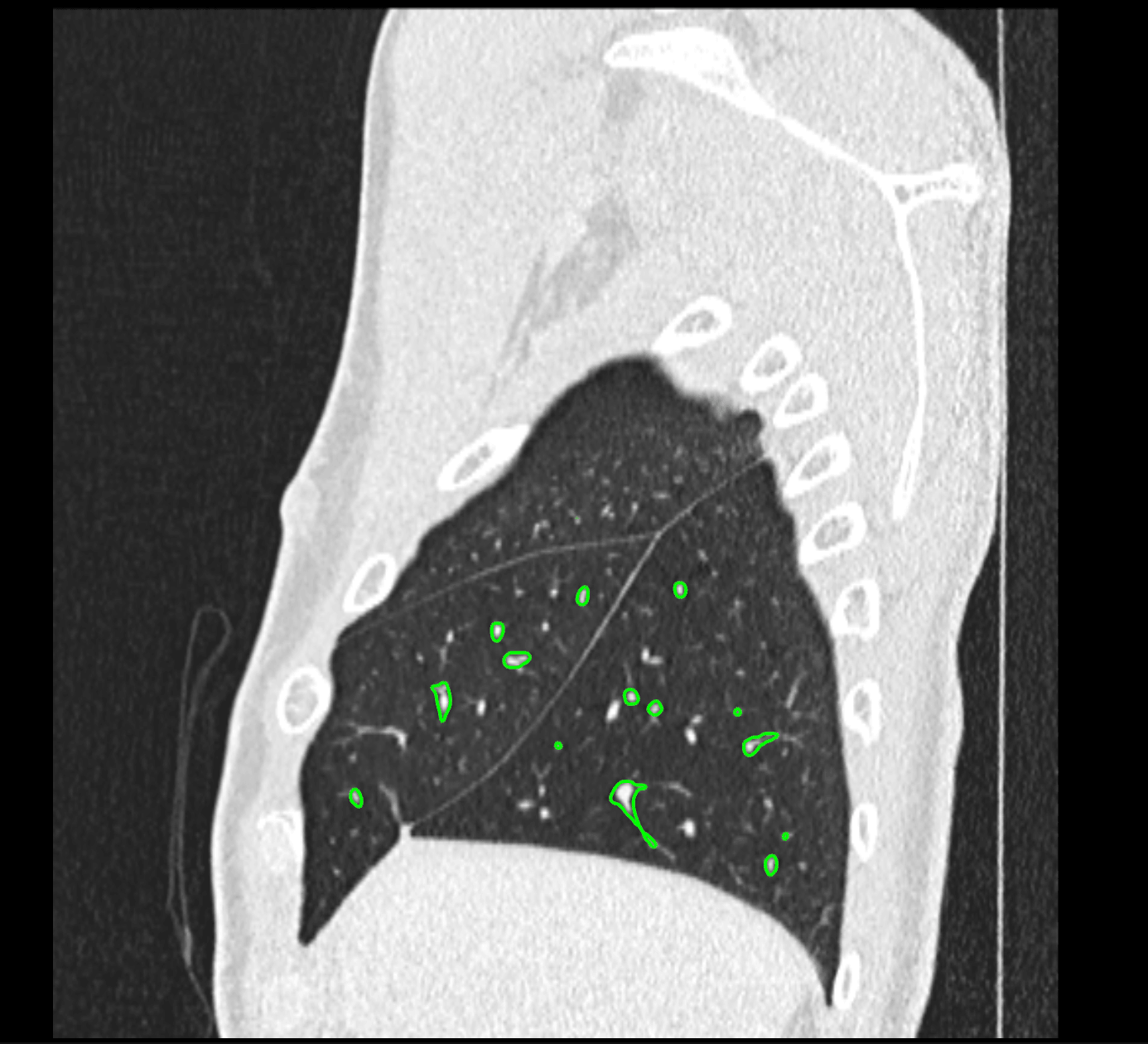
Brush and erase in 2D or 3D, with HU thresholds. Edits are saved with one click and the original automatic result stays available.
Click a bronchus in 3D to colour its distal subtree and get the matching lung segment computed instantly.
Images and segmentations are stored as NIfTI, so results stay portable and can be downloaded at any time.
Each module picks its TotalSegmentator tasks, tools and default viewer layout.
The TotalSegmentator “total” task with 117 classes: organs, bones, muscles and vessels.
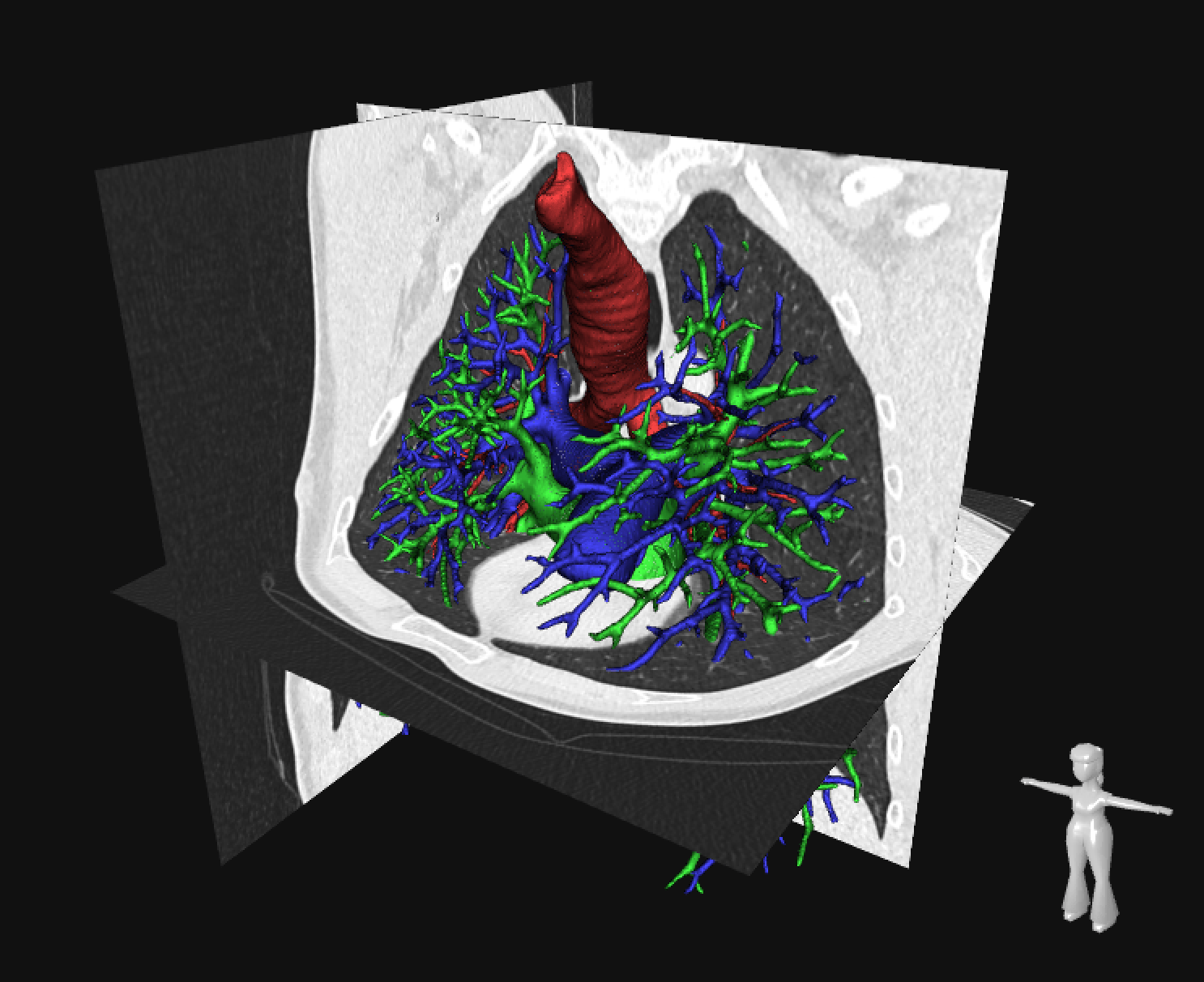
Airways, pulmonary arteries and veins, lung lobes, nodules and carcinoma.